
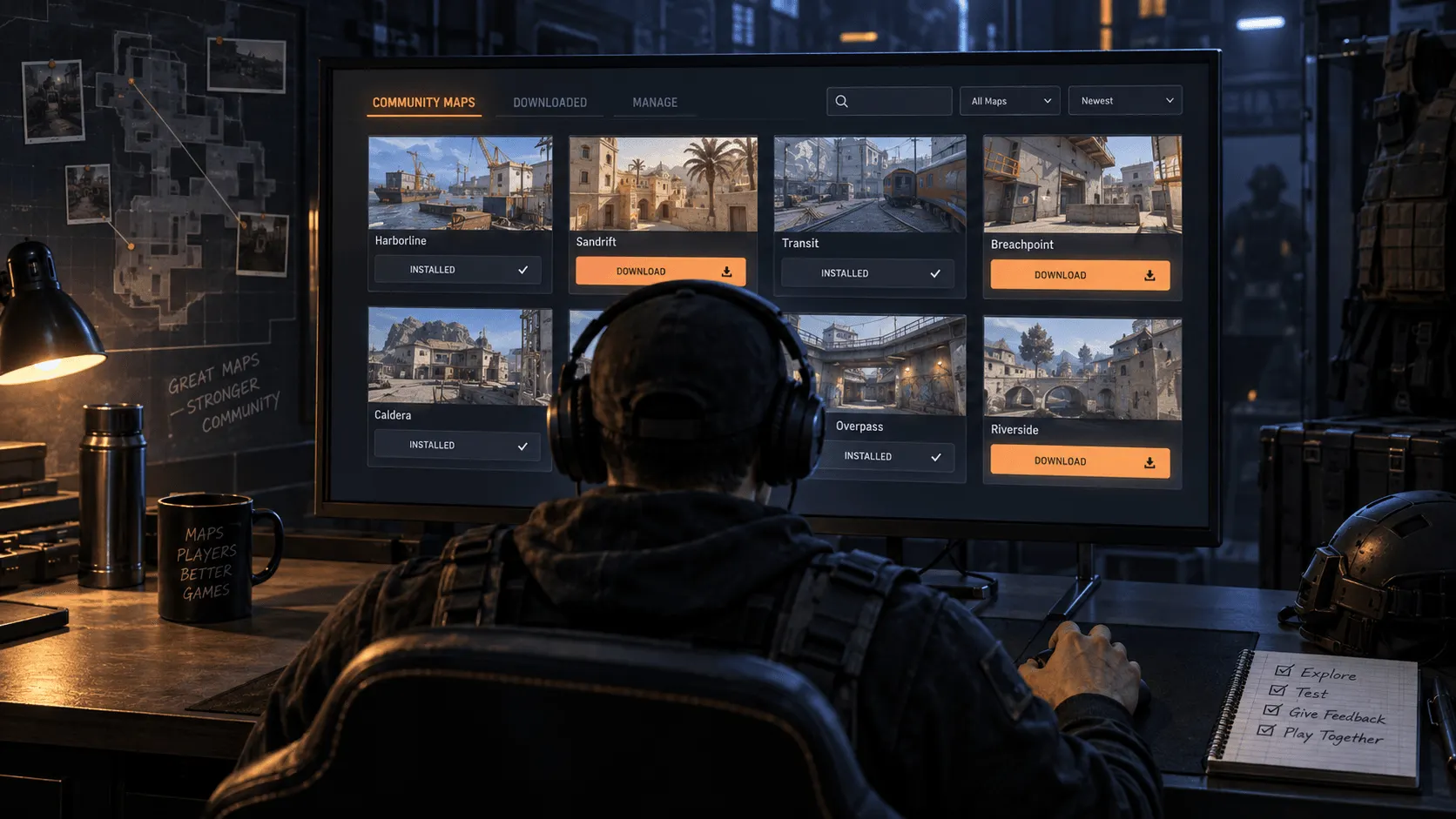
CS2 Update Adds Workshop Map Controls to the Play Menu
Valve's latest Counter-Strike 2 update adds direct controls for downloaded Workshop maps, localizes pet photobook artwork and adjusts Vulkan shader cache settings.
Valve makes Workshop maps easier to manage
Valve released a compact Counter-Strike 2 update on October 5, 2026. The main player-facing change is a new set of buttons in the play menu for managing downloaded Workshop maps. The patch also localizes text artwork used on pet photobook pages and adjusts VK shader cache extension flags.
The official changelog places all three items in the miscellaneous category. There are no announced weapon balance changes, competitive map-pool changes or ranking adjustments in this release. It is primarily a quality-of-life and technical maintenance update.
Downloaded maps can be managed from the play menu
The most practical addition is the new Workshop control inside the play menu. Players who test community maps can now reach management actions from the same part of the interface used to start a session.
Valve did not announce changes to Workshop publishing rules or map content. The update changes how downloaded maps are accessed and organized in the client, reducing the need to leave the play flow when reviewing installed community content.
This is especially useful for players who keep several aim maps, practice environments or community modes installed. It should also make the path clearer for users returning to a downloaded map after a long break.
Pet photobook pages receive localized artwork
The second visible change concerns pet photobook pages. Their text artwork can now use localized versions instead of presenting the same language to every player.
This is a small interface improvement, but it keeps the feature consistent with the selected game language. Valve did not list any gameplay change connected to the photobook system.
Shader cache flags receive a technical adjustment
The final line in the patch notes changes VK shader cache extension flags. Valve did not provide a detailed explanation or claim a specific performance increase, so the change should be treated as an engine-level compatibility adjustment rather than a guaranteed frame-rate improvement.
Players do not need to change a setting to enable it. The adjustment arrives as part of the regular game update.
The patch follows another maintenance update
The October 5 release follows an October 2 update that corrected grenade crosshair rendering at a thickness of three pixels, improved Warehouse lighting, updated the Workshop console-variable whitelist for the newer crosshair settings and delivered stability improvements. That patch also made equipped gloves visible during photobooth sessions and in the buy menu.
Together, the two releases show Valve continuing to refine the interface and Workshop experience after the larger September update cycle. The latest patch is not a major competitive overhaul, but the new map-management controls solve a practical navigation problem for community-content users.
What players need to know
The update is delivered through Steam like other Counter-Strike 2 patches. After installing the latest version, the new Workshop-management buttons should appear in the play menu.
For competitive players, the key point is that Valve announced no balance, matchmaking or map-pool changes in this patch. For Workshop users, direct management from the play menu is the part worth checking first.


